

How to edit videos on YouTube
Editing helps a business video stay clear, focused and useful on a website. This Reach Digital workshop resource explains the durable basics of cutting footage, improving sound and preparing video for YouTube.
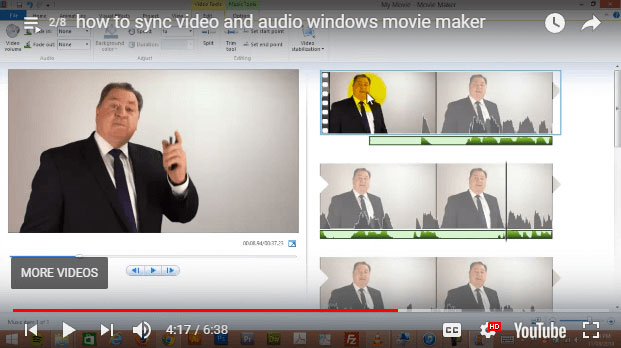
Tools change, the message still matters
The editing software shown in the original workshop recording is no longer current. The useful lesson remains: plan the message, capture clean footage, keep the edit tight and make sure the final video supports the website page it appears on.
What the workshop covered
The resource explains the basics of editing a short business video: trim footage to the useful parts, use simple transitions only where they help, and add text on screen when it reinforces a key point.
It also covers royalty-free music, a common sticking point for small businesses preparing video for YouTube or a website.
Lighting and sound on a small budget
A simple three-point lighting setup can make a small business video feel clearer without needing a studio.
The audio advice is just as practical: get the microphone close to the speaker. Poor sound is often the first thing that makes a DIY business video hard to watch.
What still applies
The specific tools change, but the website lesson stays the same. A useful business video is planned around the viewer, edited around one message and placed where it helps someone understand the service.
Planning a clearer website for your service business?
Talk to Reach Digital about what your website needs to do next, for the customers you’re trying to reach now.